Bloom: A Presentation Template for Polished, Professional Decks
Finding the right foundation for a presentation can feel like searching for a needle in a haystack. You need something that looks sharp, is easy to work with, and doesn't require a design degree to customize. That’s where a well-built template comes in. The Presentation Template - Bloom is designed to be that reliable starting point. It’s not about flashy gimmicks; it’s about providing a clean, modern structure that lets your content shine. Think of it as a versatile toolkit for anyone who needs to communicate ideas clearly and professionally, whether you're a startup founder pitching to investors or a teacher creating engaging lesson plans.
Understanding the Bloom Aesthetic and Its Practical Appeal
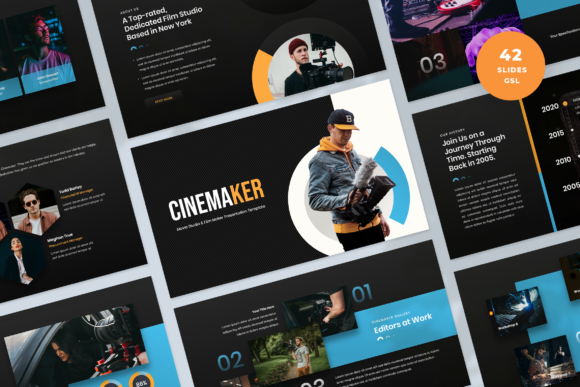
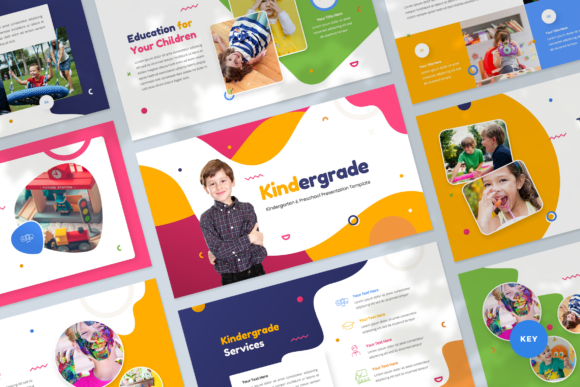
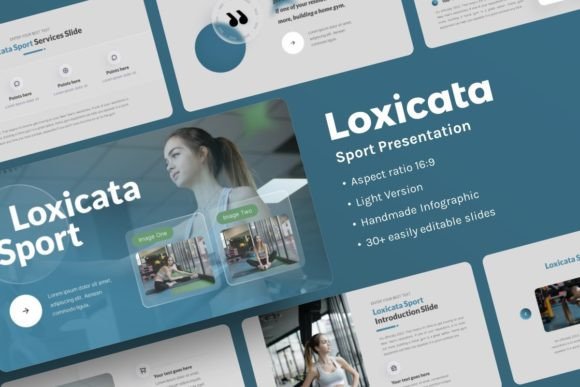
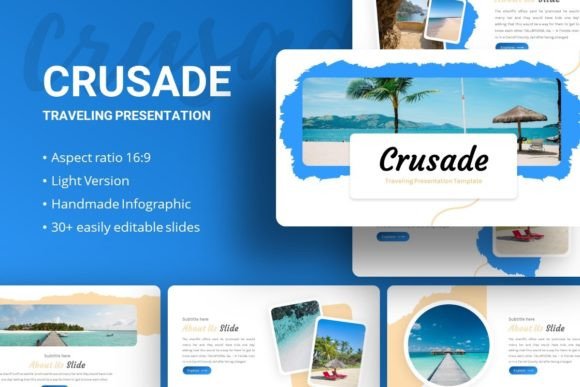
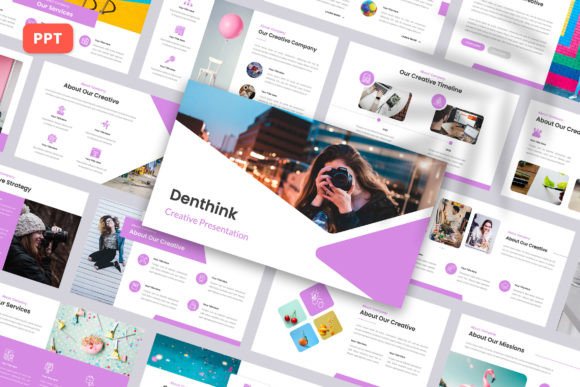
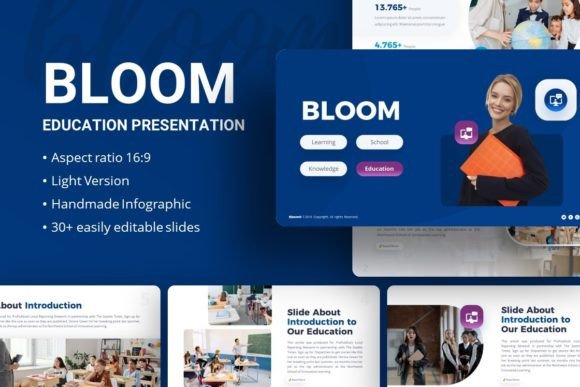
Visually, Bloom leans into a contemporary, clean aesthetic. It avoids overly trendy elements that might date quickly, favoring instead a balanced layout with ample white space. This approach isn't just about looking good—it directly impacts how your audience processes information. The consistent use of modern typography and a restrained color palette creates a sense of order and professionalism. You won’t find cluttered slides here. Instead, the design guides the viewer’s eye naturally from one key point to the next, which is essential for maintaining engagement during a talk.
The personality of the template is approachable yet authoritative. It works equally well for a creative agency presenting a new campaign as it does for a corporate business outlining quarterly results. This flexibility is a huge practical advantage. You’re not buying a one-trick pony. The same slide deck could be adapted for a portfolio review, a photography showcase, or a pitch deck. The design acts as a neutral canvas that supports your message rather than competing with it.
Where This Template Truly Excels in Real-World Projects
The true test of any design asset is its utility across different scenarios. Bloom’s strength lies in its broad applicability. For entrepreneurs and small business owners, it’s a lifesaver. You can quickly assemble a company profile that looks like you hired a professional designer. Marketers can use it to craft compelling campaign post-mortems or strategy presentations that hold a client’s attention. The easy customizable contents and picture placeholder, drag & drop functionality mean you can swap out images and text without wrestling with the software, saving precious time.
For those in editorial design or publishing, the template’s pixel-perfect illustrations and handcrafted infographic elements are invaluable. They provide a polished way to visualize data or explain complex processes. Bloggers and content creators can leverage it to develop standout visual aids for webinars or online courses, elevating their brand identity. Even for personal use, like compiling a family photo album or presenting a hobby project, the structure ensures a cohesive and impressive result.
Making the Most of Your Investment: Practical Guidance
When you download a resource like this, taking a few moments to understand what you have is key. The package includes a PowerPoint .PPTX file and a Documentation File. Don’t skip the documentation. It often contains tips on how to best utilize the master slides and edit the vector icons, which are fully resizable and editable. This ensures you can tailor every element to your specific needs without losing quality.
Think about your content strategy before you dive in. Which of the 35+ Slides for each Template best suits your narrative? Do you need more data-driven charts or image-heavy layouts? Planning your flow on paper first can make the digital assembly process much smoother. Also, consider the font pairings. The template comes with recommended fonts like Open Sans and Montserrat, which are excellent sans serif font choices known for their clarity and readability on screens. Sticking to these or carefully selecting complementary typefaces will maintain the template’s professional integrity.
Finally, remember that all images in the demo are for preview only. The actual files point you to resources like Unsplash, Pixabay, and Pexels for high-quality, royalty-free photos. This is a responsible approach, ensuring you can create a polished final product without licensing headaches. By investing a little time in customization, you transform this template from a generic starting point into a powerful component of your personal or professional brand identity, ready to make a lasting impression.